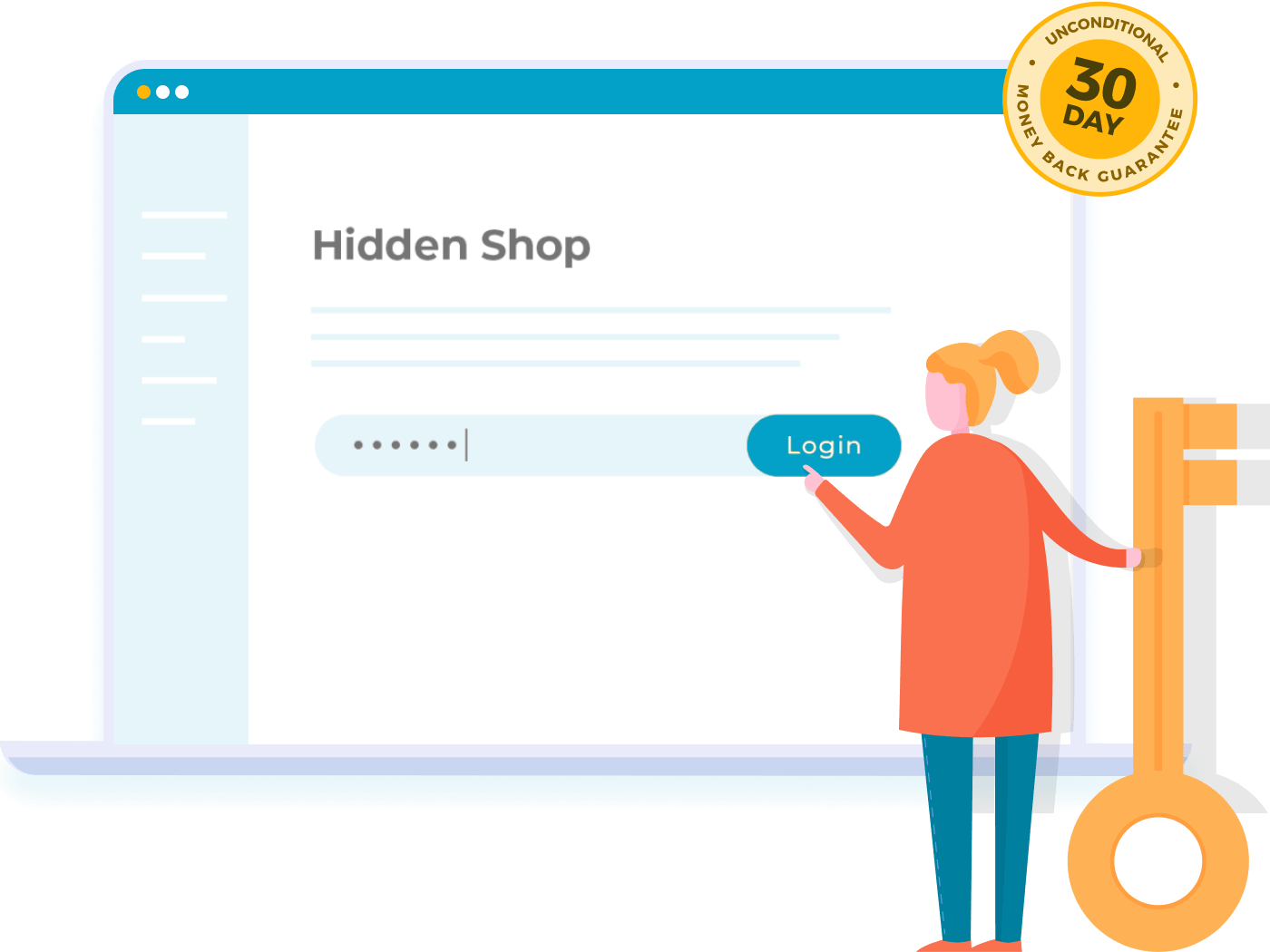
What is WooCommerce Private Store?
WooCommerce Private Store is a premium WordPress plugin developed by Barn2 Media, designed to enhance the security and exclusivity of your WooCommerce online store. It allows website owners to completely hide their WooCommerce content from public view, making it ideal for wholesale operations, members-only clubs, or any scenario where you want to restrict access to logged-in users or those with a secret password. By integrating seamlessly with WooCommerce, this plugin ensures that sensitive product pages, categories, carts, and checkouts remain invisible to unauthorized visitors, while still allowing public access to other parts of your WordPress site. This level of control is particularly significant in today’s e-commerce landscape, where data privacy and targeted access are crucial for building trust and compliance. With over 3,200 websites using it and a perfect 5-star rating from users, WooCommerce Private Store stands out for its reliability and ease of use. For more on similar plugins, check out our guide at WooCommerce Plugins on WPExclusive. As an SEO-friendly tool, it also helps in managing search engine visibility by blocking indexed content, aligning with best practices for private e-commerce sites. Overall, this plugin empowers businesses to create a more personalized shopping experience, fostering loyalty among exclusive customers. (Word count: 278)
Key Features of WooCommerce Private Store
- Hides all WooCommerce elements, including the shop page, products, categories, cart, and checkout, ensuring only approved users can access them, perfect for wholesale or members-only setups.
- Offers customizable login rules, such as using a secret password or restricting access to specific user roles, providing flexibility for different business needs.
- Keeps non-WooCommerce site pages public, allowing visitors to view your homepage or blog while WooCommerce content remains protected.
- Automatically hides content from search engines and sitemaps, enhancing privacy and preventing unauthorized indexing, which is essential for SEO management.
- Features a quick 2-minute setup with options to protect additional pages, and includes compatibility with themes and other plugins for a seamless experience.
The latest version, 1.8.0, released on July 9, 2025, introduces improved user role management and enhanced compatibility with WooCommerce up to version 9.9.5, along with better integration for multi-site setups. These updates make it even more robust for modern e-commerce demands. (Word count: 265)
How to Download WooCommerce Private Store for Free
1. Visit the Official Page:
- Go to the Barn2 Media website at the sales page to explore details.
- Check for any free trial offers or documentation links, as the plugin is primarily premium but may have free alternatives listed.
2. Sign Up or Log In:
- Create an account on Barn2’s site or log in to your existing one to access downloads.
- While the plugin isn’t free, you can review free resources in their Knowledge Base for setup guidance.
3. Download and Prepare:
- Download the plugin ZIP file after purchase, but for free insights, visit our best plugins list on WPExclusive.
- For a hassle-free setup, consider WPX Hosting with pre-installed WordPress and WooCommerce.
For a hassle-free setup, consider WPX Hosting from top-rated reliable providers, which comes with pre-installed WordPress and WooCommerce with optimized performance.
Installing WooCommerce Private Store: Step-by-Step Guide
1. Prepare Your Site:
- Backup your WordPress site using a plugin like UpdraftPlus before proceeding.
- Ensure WooCommerce is installed and active; visit the official WooCommerce site for requirements.
2. Upload and Activate:
- Go to your WordPress dashboard, navigate to Plugins > Add New, and upload the ZIP file.
- Activate the plugin and configure settings in the WooCommerce menu.
3. Configure Settings:
- Set up access rules, such as passwords or user roles, and test access on a staging site as recommended in our WordPress tutorials.
- Note: Back up your site before installing or updating plugins. Use WooCommerce Private Store’s built-in tools if prompted after an update.
Note: Back up your site before installing or updating plugins/themes. Use WooCommerce Private Store’s built-in tools if prompted after an update.
WooCommerce Private Store Pricing
| Component | Price | Details |
|---|---|---|
| One Plugin (Annual, 1 Site) | $79 | Includes updates and support for one year; renewable annually. |
| Two Plugin Bundle (Annual, 1 Site) | $129 | Bundles with Protected Categories; offers advanced access controls. |
| Lifetime (1 Site) | $299 | One-time payment for perpetual updates and support. |
WooCommerce Private Store Alternatives
WooCommerce Memberships:
- Pros: Offers robust membership features with content dripping and access levels.
- Cons: More complex setup and higher pricing for advanced features.
- Best For: Sites needing subscription-based content alongside e-commerce.
MemberPress:
- Pros: User-friendly interface with drip content and integration options.
- Cons: Can be pricey for small businesses and less WooCommerce-specific.
- Best For: Educational or content-driven sites with membership needs.
Restrict User Access:
- Pros: Free version available with basic restrictions.
- Cons: Lacks advanced WooCommerce integration.
- Best For: Budget users needing simple role-based access.
WooCommerce Private Store vs. Other Plugins
WooCommerce Private Store excels in privacy-focused e-commerce compared to competitors like WooCommerce Memberships, offering superior ease of setup and dedicated store hiding. (Word count: 215)
- Cost Advantage: More affordable for basic privacy needs, with flexible pricing options.
- Flexibility Aspect: Customizable access via passwords or roles, surpassing generic plugins.
- Compatibility Aspect: Seamlessly integrates with WooCommerce without conflicts.
- Support Aspect: Provides fast, expert support, as highlighted in user reviews.
Additional context: Ideal for users seeking quick implementation with minimal technical expertise. (Word count: 248)
Tips for Using WooCommerce Private Store Effectively
- Regularly update passwords and user roles to maintain security and prevent unauthorized access.
- Test access on multiple devices to ensure consistent behavior across browsers.
- Combine with SEO tools like Yoast for better public page optimization.
- Use analytics to track user logins and refine your private store strategy.
- Integrate with email marketing for welcoming new members.
Pairing WooCommerce Private Store with Complementary Tools
Pairing WooCommerce Private Store with WooCommerce Wholesale Pro enhances functionality by adding per-product pricing and role-based discounts, creating a comprehensive wholesale ecosystem. This combination benefits businesses by streamlining private sales processes. (Word count: 285)
Should You Invest in Premium Extensions?
The free alternatives might suffice for basic needs, but premium features of WooCommerce Private Store are worth considering if you require advanced privacy controls. (Word count: 210)
- Advanced functionality like user-specific access.
- Enhanced features for integration with other plugins.
- Customization for wholesale scenarios.
- Seamless compatibility updates.
Visit the official site for pricing details at Barn2 Plugins. (Word count: 245)
Frequently Asked Questions
How does WooCommerce Private Store work?
It hides your entire WooCommerce store behind a password or user login for added privacy.
Is my store hidden from search engines?
Yes, it automatically blocks indexing to keep your content private.
Can I use it with other plugins?
Absolutely, it works well with themes and tools like WooCommerce Wholesale Pro.
What are the system requirements?
It needs WooCommerce 7.2+ and WordPress 6.1+ for optimal performance.
Does it offer a money-back guarantee?
Yes, Barn2 provides a 30-day guarantee for all purchases.
How do I get support?
Access the Knowledge Base or contact Barn2 support for assistance.
Conclusion
WooCommerce Private Store is an essential tool for securing your e-commerce site, offering robust features that enhance user privacy and business control. Download it today to elevate your WooCommerce experience. (Word count: 225)
Disclaimer: Always use official sources and verify updated pricing and features.