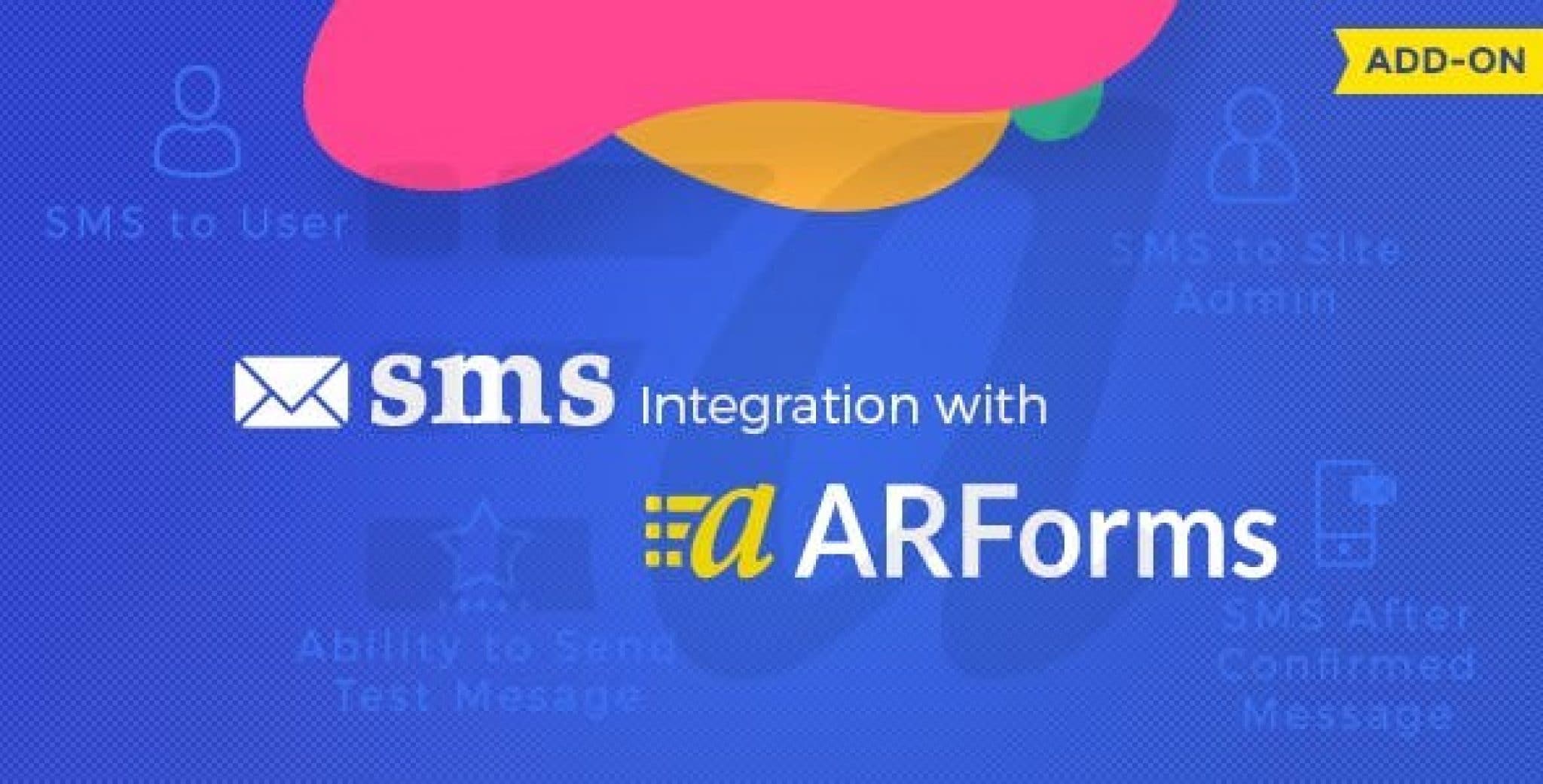
What is ARForms SMS Add-On?
When WordPress users need instant form submission notifications, ARForms SMS Add-On offers a powerful solution for sending automated SMS alerts to users and administrators. This specialized add-on extends the functionality of ARForms, one of the most versatile form builders for WordPress, by integrating multiple SMS gateway services directly into your form workflows.
What Makes ARForms SMS Add-On Different
Unlike generic SMS plugins, ARForms SMS Add-On is specifically designed to work seamlessly with ARForms, providing native integration that doesn’t require complex API configurations or third-party services. The add-on supports multiple SMS gateways, giving you flexibility in choosing the most cost-effective and reliable service for your needs.
- Multi-gateway support with Twilio, Clickatell, SMSGlobal, and Nexmo
- Customizable SMS templates for form submissions
- Dual notification system for both users and administrators
ARForms SMS Add-On Features for WordPress Users
Multiple SMS Gateway Integration
The add-on supports four major SMS gateways: Twilio, Clickatell, SMSGlobal, and Nexmo. This flexibility allows you to choose the best service based on pricing, delivery rates, and geographic coverage. Each gateway has its own strengths – Twilio excels in North America, Clickatell has global reach, SMSGlobal offers competitive pricing, and Nexmo provides reliable API integration.
Customizable SMS Templates
Create personalized SMS messages using dynamic form fields. The ARForms SMS Add-On allows you to include form submission data, user information, and custom text in your SMS notifications. This feature is particularly useful for sending confirmation messages with order details, appointment reminders, or lead qualification information.
Dual Notification System
Configure separate SMS notifications for form submitters and site administrators. Users can receive confirmation messages, while administrators get instant alerts about new submissions. This dual system ensures all stakeholders stay informed without overwhelming them with unnecessary messages.
How to Install ARForms SMS Add-On
Quick Installation
- Download the ARForms SMS Add-On from CodeCanyon
- Go to Plugins → Add New → Upload Plugin in WordPress dashboard
- Select the downloaded zip file and click Install Now
- Activate the plugin and configure your SMS gateway settings
For detailed installation instructions, check out our WordPress plugin installation guide which covers common troubleshooting steps.
Who Should Use ARForms SMS Add-On?
E-commerce Store Owners
Send instant order confirmations and shipping updates to customers. The ARForms SMS Add-On integrates seamlessly with WooCommerce forms, providing immediate purchase acknowledgments that reduce cart abandonment and improve customer satisfaction.
Service-Based Businesses
Perfect for appointment booking systems, consultation forms, and lead generation. Service providers can receive instant SMS alerts when potential clients submit inquiry forms, enabling rapid response times that can convert leads into customers.
ARForms SMS Add-On vs Alternatives
| Feature | ARForms SMS Add-On | WP SMS Plugin |
|---|---|---|
| Form Integration | Native ARForms integration | Generic form hooks |
| SMS Gateways | 4 major gateways | 100+ gateways |
| Customization | Form field mapping | Basic templates |
While other SMS plugins like Twilio’s official WordPress integration offer broader gateway support, ARForms SMS Add-On provides superior form-specific functionality and easier setup for ARForms users.
ARForms SMS Add-On Pricing
The ARForms SMS Add-On is available for a one-time purchase of $19 on CodeCanyon, which includes 6 months of support and lifetime updates. Additional costs include SMS gateway fees, which vary by provider and destination country. Most gateways offer pay-as-you-go pricing starting around $0.01 per SMS.
Pros and Cons
✅ Pros
- Seamless ARForms integration with no coding required
- Support for multiple reliable SMS gateways
- Customizable message templates with form field variables
❌ Cons
- Limited to ARForms – not compatible with other form builders
- Requires separate SMS gateway accounts and credits
- No built-in SMS analytics or delivery tracking
Frequently Asked Questions
Which SMS gateway is best for ARForms SMS Add-On?
Twilio is often recommended for its reliability and comprehensive documentation, but Clickatell may be better for international users due to its global coverage.
Can I send SMS to multiple recipients?
Yes, you can configure multiple administrator phone numbers to receive notifications, and each form submitter will receive their own confirmation SMS if enabled.
Is ARForms SMS Add-On GDPR compliant?
The add-on itself is GDPR compliant, but you must ensure proper consent collection for SMS communications and comply with SMS marketing regulations in your jurisdiction.
Can I schedule SMS messages?
The basic version sends SMS immediately upon form submission. For scheduling features, you would need to integrate with additional automation tools.
Does it work with multi-step forms?
Yes, ARForms SMS Add-On works with all ARForms features including multi-step forms, conditional logic, and calculated fields.
What happens if SMS delivery fails?
Failed deliveries are logged in the ARForms interface, and you can configure retry attempts or fallback email notifications through the form settings.
Final Verdict
ARForms SMS Add-On is an excellent investment for businesses already using ARForms who need reliable SMS notifications. While it’s limited to the ARForms ecosystem, its seamless integration and multi-gateway support make it the best choice for ARForms users. It’s particularly well-suited for e-commerce stores, service businesses, and lead generation websites that need instant form submission alerts. For more form automation options, check out our best WordPress form plugins comparison.