WooSheets – Manage WooCommerce Orders is a synchronization tool that connects your store data directly to Google Spreadsheets for centralized order management. It allows store owners to track sales, updates, and customer details in a familiar spreadsheet interface. Accessing this tool via WPExclusive provides a cost-effective way to manage your administrative workflows.
WPExclusive members get access to WooSheets as part of a full plugin and theme library, with plans starting from $9.99/month. See the full CodeCanyon WooCommerce collection →
What Is WooSheets – Manage WooCommerce Orders?
WooSheets – Manage WooCommerce Orders is developed by CodeCanyon WooCommerce and serves as a specialized bridge between WordPress and Google Sheets. It belongs to the ecommerce category on WPExclusive, alongside other tools for digital storefront management. The plugin eliminates the need to manually export CSV files by automating the data transfer process.
This extension solves the problem of disjointed order tracking by consolidating all data into a single, collaborative environment. It is built for shop managers who prefer the calculation and filtering capabilities of spreadsheets over the standard WordPress dashboard.
WooSheets – Manage WooCommerce Orders Features
The feature set centers on real-time data synchronization and multi-status organization within the Google ecosystem.
Real-Time Order Synchronization
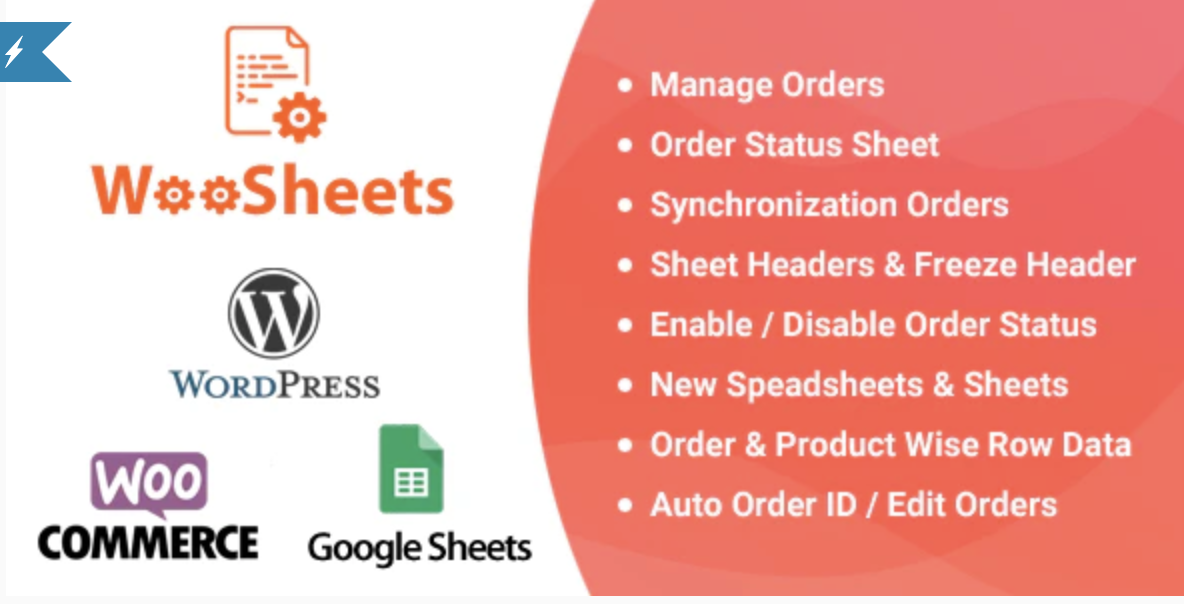
The plugin syncs WooCommerce orders with updates to Google Sheets instantly as they happen. It supports seven different order statuses, creating separate sheets for each status to keep data organized. When a status changes in the WordPress admin, WooSheets automatically moves the row to the corresponding sheet location, ensuring the ecommerce data remains accurate.
Data Mapping Options
Users can choose between Order Wise and Product Wise row data formats to suit different reporting needs. The Order Wise option places one order per row, while the Product Wise setup breaks down individual items for detailed inventory tracking. This flexibility allows for precise control over how sales information is structured within your connected spreadsheet.
Existing Order Import
Beyond capturing new transactions, WooSheets can synchronize all existing WooCommerce orders with your Google Sheet. This bulk synchronization feature is essential for migrating historical data or setting up a new tracking sheet for an established store. It ensures that your spreadsheet reflects the entire lifecycle of your business from day one.
Pricing
Check current pricing on the WooSheets sales page. WPExclusive members access it as part of their plan, which provides significant savings for developers managing multiple stores.
| Plan | Price | Sites | Includes |
|---|---|---|---|
| WPExclusive Membership | From $9.99/month | Unlimited | WooSheets + full library |
For developers managing multiple sites, a WPExclusive membership covers WooSheets plus hundreds of other plugins and themes, usually costing less than one premium license.
Latest Version
The plugin receives regular updates to maintain compatibility with the latest versions of WordPress and the Google Sheets API. WPExclusive updates plugin files promptly after each release to ensure your synchronization remains stable.
How to Install
- Download the WooSheets .zip from your WPExclusive member account
- In WordPress: Plugins → Add New → Upload Plugin
- Select the .zip and click Install Now → Activate
- Navigate to the settings menu to connect your Google account
- Authorize the plugin to access your Google Drive to create the synchronization sheet
Use Cases
Centralized Fulfillment Teams
Logistics teams can use the spreadsheet as a live packing list without needing access to the WordPress backend. By filtering by status, staff can focus on “Processing” orders via this ecommerce workflow to speed up fulfillment.
Advanced Financial Reporting
Store owners can use Google Sheets functions to calculate taxes, shipping costs, and profit margins in real-time. Since the data flows automatically from WooSheets, monthly financial summaries are generated without manual data entry.
Agencies and Developers Managing Multiple Client Sites
Agencies can deploy this plugin across various client stores to create a bird’s eye view of sales performance. Utilizing a WPExclusive membership allows you to implement professional synchronization on any number of sites at no extra cost.
Pros and Cons
✅ Strengths
- Automatic sheet creation based on order status categories
- Flexible row data options (Order Wise vs Product Wise)
- Bulk synchronization support for historical store data
⚠️ Limitations
- Requires a stable connection to Google API for real-time updates
- Large stores with thousands of daily orders may hit Google Sheets row limits quickly
- Developer auto-updates require an active license key. WPExclusive publishes updates manually when new versions are released.
Is WooSheets – Manage WooCommerce Orders GPL Licensed?
Yes. WooSheets – Manage WooCommerce Orders is distributed under the GNU General Public License (GPL), the same license that governs WordPress itself. GPL gives any user the legal right to use, study, share, and redistribute the software. This is the legal framework that makes WPExclusive’s membership model possible.
WPExclusive distributes 100% original, unmodified files, the same release the developer publishes. No injected code, no alterations, and no security risks.
Get WooSheets – Manage WooCommerce Orders on WPExclusive
WPExclusive membership starts at $9.99/month, $87/year, or $149 lifetime, giving you WooSheets – Manage WooCommerce Orders plus every plugin and theme in the library, on unlimited sites.
Explore the full CodeCanyon WooCommerce collection → or browse all WordPress plugins →
Frequently Asked Questions
What does WooSheets – Manage WooCommerce Orders do?
WooSheets – Manage WooCommerce Orders syncs your sales data to Google Sheets in real-time. It enables WooSheets to categorize orders by status into different sheets for easier reporting and management.
Is WooSheets – Manage WooCommerce Orders free?
While a free version may exist on WordPress.org with limited features, the full version described here is a premium product. Via WPExclusive, it is included in plans from $9.99/month.
What is the latest version of WooSheets – Manage WooCommerce Orders?
The plugin is actively maintained. WPExclusive members always receive the most current release as soon as it is available in our library.
How much does WooSheets – Manage WooCommerce Orders cost?
Retail pricing varies on CodeCanyon. Via WPExclusive, it is included in plans from $9.99/month which cover unlimited site usage.
Is it legal to use WooSheets – Manage WooCommerce Orders via WPExclusive?
The plugin is GPL licensed, which explicitly permits redistribution. WPExclusive provides original, unmodified files, fully within GPL terms for all users.
Can I export historical data with WooSheets – Manage WooCommerce Orders?
Yes, WooSheets includes a bulk synchronization feature. It allows you to push all your existing store orders to your Google Spreadsheet at once during setup.