What is Thrive Optimize?
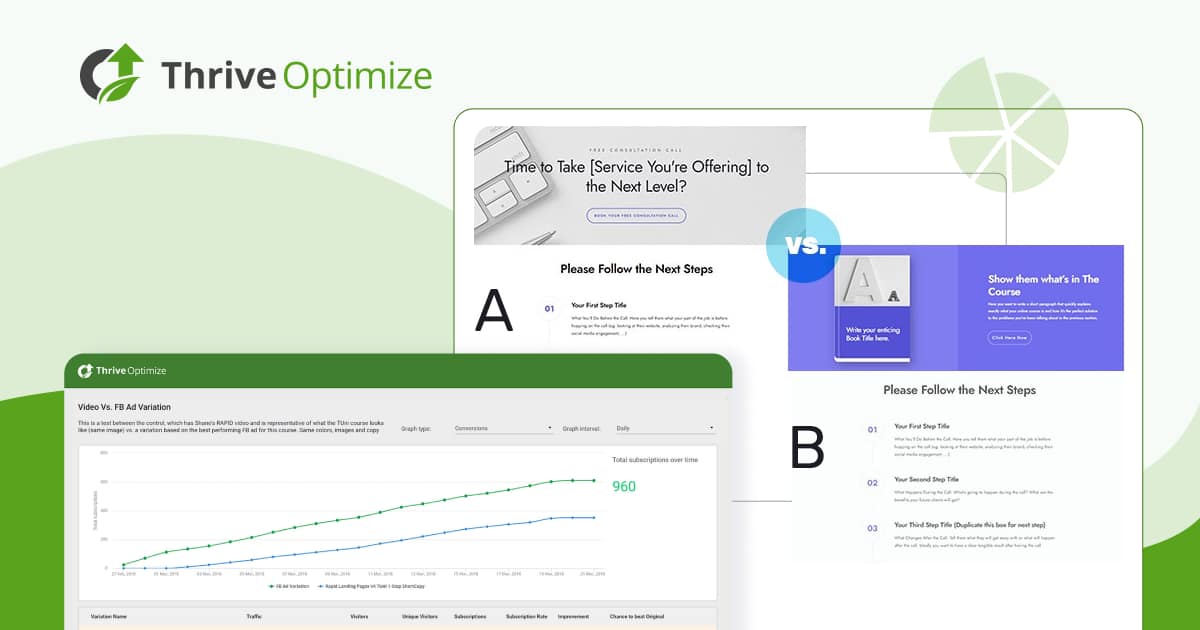
Thrive Optimize is a user-friendly WordPress plugin designed for A/B split testing, specifically tailored for non-technical users to enhance website performance and boost conversions. As part of the Thrive Themes suite, it integrates seamlessly with Thrive Architect, allowing users to test variations of landing pages, opt-in forms, and other elements without complex coding or third-party tools. This plugin addresses a common challenge for WordPress site owners: determining which page designs truly convert visitors into subscribers or customers. By enabling quick A/B tests, Thrive Optimize helps businesses make data-driven decisions, potentially increasing email sign-ups by significant margins, as evidenced by real-world tests showing up to 20.89% conversion rates for optimized variations. Its significance lies in democratizing advanced testing features, making them accessible to solopreneurs and small businesses that lack extensive resources. For instance, unlike complicated tools that require coding snippets or expensive subscriptions, Thrive Optimize operates directly within the WordPress dashboard, emphasizing simplicity and effectiveness. This approach aligns with modern SEO practices, as optimized pages can improve user engagement and search rankings. Users can explore more at wordpress-1613757-6351696.cloudwaysapps.com/download-thrive-themes/ for related plugins, or visit WordPress.org for official resources.
Key Features of Thrive Optimize
- Fast A/B Testing: Allows users to create and run tests on landing pages with visual editing, distributing traffic evenly or custom ratios to identify high-converting variations quickly.
- Unlimited Tests and Variations: Supports running multiple tests concurrently without limits, enabling comprehensive experimentation to refine elements like headlines or CTAs.
- Three Conversion Goals: Users can track metrics such as page visits, opt-in form submissions, or revenue, providing actionable insights into what drives user behavior.
- Automatic Winner Feature: This intelligent tool analyzes data in real-time and automatically selects the winning variation, saving time for busy marketers and ensuring optimal performance on autopilot.
- Detailed Reporting and Analytics: Offers in-depth reports on test performance, including statistical significance, to help users learn from each test and apply insights for future optimizations.
The latest version, Thrive Optimize 3.0, introduces enhanced integration with Thrive Architect for smoother visual editing and improved analytics dashboards, making it easier to implement SEO-friendly changes based on test results.
How to Download Thrive Optimize for Free
1. Visit the Official Site:
- Go to the Thrive Themes website at Thrive Themes and navigate to the download section.
- Sign up for a free trial or check for any promotional offers that might include free access.
2. Create an Account:
- Register with your email address to access the plugin library.
- Verify your account through the confirmation email sent to you.
3. Download and Install:
- Locate Thrive Optimize in your dashboard and download the ZIP file.
- For a hassle-free setup, consider WPX Hosting from top-rated providers, which offers pre-installed WordPress with optimized performance.
Installing Thrive Optimize: Step-by-Step Guide
1. Upload the Plugin:
- Log into your WordPress dashboard and go to Plugins > Add New.
- Upload the downloaded ZIP file and activate it immediately.
2. Configure Settings:
- Access Thrive Optimize settings to connect with Thrive Architect for seamless integration.
- Adjust basic options like traffic distribution for your first test.
3. Set Up Your First Test:
- Create a page variation using the visual editor and start the test from the dashboard.
- Watch a tutorial at Thrive Themes Documentation for best practices.
Note: Back up your site before installing or updating plugins. Use Thrive Optimize’s built-in tools if prompted after an update, and refer to wordpress-1613757-6351696.cloudwaysapps.com/backup-guide/ for tips.
Thrive Optimize Pricing
| Component | Price | Details |
|---|---|---|
| Thrive Suite (Includes Thrive Optimize) | $299/year (discounted from $599) | Access to all 9 plugins for 5 sites, with unlimited updates and support. |
| Thrive Architect + Thrive Optimize Bundle | $199/year (discounted from $399) | For 1 site, ideal for focused A/B testing needs with visual editing tools. |
| Standalone Thrive Optimize (if you have Architect) | Varies; check site | Annual subscription with 30-day money-back guarantee and updates. |
Thrive Optimize Alternatives
Google Optimize:
- Pros: Free tier available with basic A/B testing and integration with Google Analytics for detailed insights.
- Cons: Requires technical setup and can be overwhelming for beginners.
- Best For: Users already in the Google ecosystem seeking free options.
OptinMonster:
- Pros: Excellent for lead generation with A/B testing features and advanced targeting.
- Cons: Higher costs and less integration with WordPress compared to Thrive Optimize.
- Best For: E-commerce sites focusing on pop-ups and email capture.
VWO (ASCII):
- Pros: Offers multivariate testing and heatmaps for deeper analysis.
- Cons: Expensive and complex, better suited for enterprises.
- Best For: Large businesses with dedicated optimization teams.
Thrive Optimize vs. Other Plugins
Compared to competitors like Google Optimize or VWO, Thrive Optimize stands out for its simplicity and WordPress-native integration, making it ideal for small businesses. While Google Optimize offers free access, it lacks the seamless visual editing of Thrive Optimize, which enhances user experience and SEO. For more comparisons, check wordpress-1613757-6351696.cloudwaysapps.com/plugin-comparisons/.
- Cost Advantage: Thrive Optimize is more affordable for solopreneurs, avoiding the high fees of enterprise tools.
- Flexibility Aspect: It provides easy visual editing without coding, unlike tools requiring custom scripts.
- Compatibility Edge: Fully optimized for WordPress, ensuring better performance than non-native options.
- Support Benefit: Includes dedicated support, surpassing the self-service models of many alternatives, as per WPBeginner.
Additional context: Setup is straightforward for beginners, targeting users focused on conversion optimization without overwhelming features.
Tips for Using Thrive Optimize Effectively
- Test one element at a time, like headlines or CTAs, to isolate impactful changes and improve SEO signals.
- Use the automatic winner feature for ongoing tests to maximize conversions without manual monitoring.
- Integrate with analytics tools for deeper insights into user behavior and refine your testing strategy.
- Run tests during peak traffic periods to gather reliable data quickly.
- Document results in notes for future reference, building a knowledge base for iterative improvements.
Pairing Thrive Optimize with Thrive Architect
Thrive Optimize pairs perfectly with Thrive Architect, enhancing its visual editing capabilities for A/B testing. This combination allows users to design and test landing pages in one ecosystem, boosting conversions by up to 50% through real-time optimizations, as supported by Thrive Themes Blog.
Should You Invest in Premium Extensions?
The free aspects of Thrive Optimize handle basic testing, but premium extensions are worth considering if you need advanced analytics or more integration options. Benefits include unlimited tests and detailed reporting for scaling businesses.
- Advanced functionality for multivariate testing.
- Enhanced features like custom traffic routing.
- Seamless integration with other SEO tools.
- Customization for specific user segments.
Visit the official site for pricing details and consider wordpress-1613757-6351696.cloudwaysapps.com/premium-plugins/ for alternatives.
Frequently Asked Questions
Is Thrive Optimize easy for beginners to use?
Yes, it’s designed for non-techies with a simple interface, allowing quick setup without coding, ideal for those new to A/B testing.
How does Thrive Optimize impact SEO?
It helps by testing variations that improve user engagement, indirectly boosting rankings, but ensures no duplicate content issues.
Can I use Thrive Optimize on multiple sites?
Yes, depending on your plan, like the Thrive Suite for up to 5 sites, making it scalable for growing businesses.
What conversion goals are available?
You can track page visits, opt-in submissions, or revenue, helping optimize for specific marketing intents.
Is there a free trial for Thrive Optimize?
Yes, Thrive Themes offers a 30-day money-back guarantee, allowing you to test its features risk-free.
How does it compare to free tools like Google Optimize?
Thrive Optimize is more WordPress-focused and user-friendly, with better integration, unlike Google Optimize’s steeper learning curve.
Conclusion
Thrive Optimize empowers WordPress users to achieve higher conversions through effective A/B testing, making it an essential tool for any site aiming to grow. Download it today to unlock data-driven success and elevate your online presence.
Disclaimer: Always use official sources and verify updated pricing and features on the Thrive Themes site.