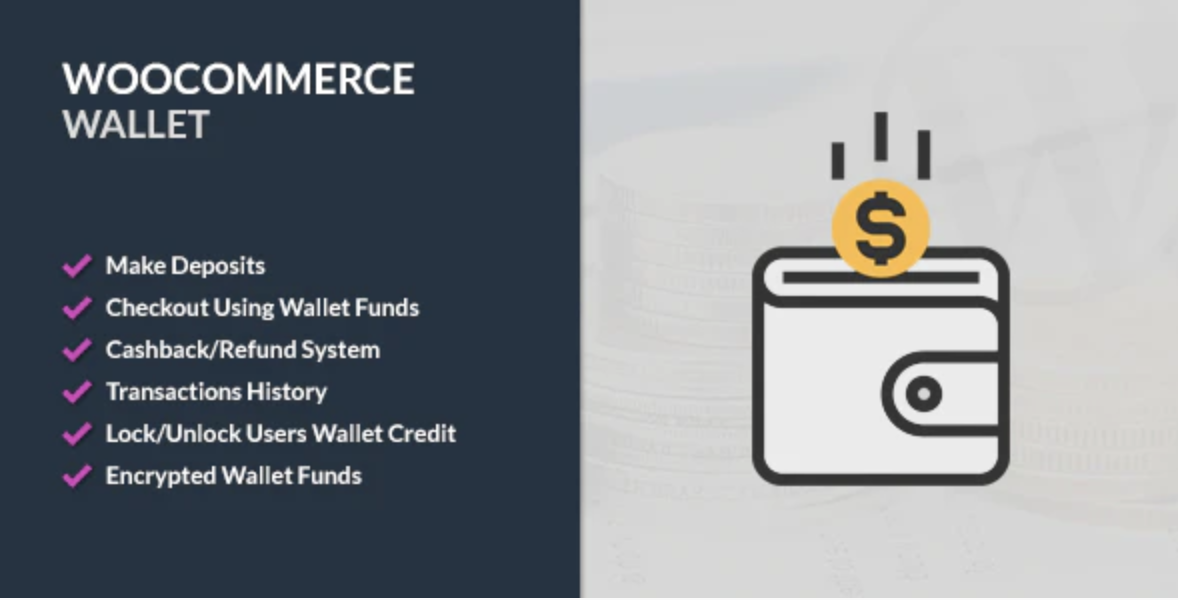
WooCommerce Wallet is a WordPress plugin that allows your customers to checkout and pay from their Wallet using funds already deposited in their account. With over 6,380 sales, it provides a secure digital ledger for store credits and balances. This solution eliminates the need for repeated credit card entries while increasing customer loyalty through integrated credit incentives.
WPExclusive members get access to WooCommerce Wallet as part of a full plugin and theme library — plans from $9.99/month. See the full CodeCanyon WooCommerce collection →
What Is WooCommerce Wallet?
WooCommerce Wallet is developed by CodeCanyon WooCommerce and is an ecommerce plugin for WordPress. As an Elite Author product, it has established itself as a reliable method for managing digital currencies within a shop environment. It belongs to the ecommerce category on WPExclusive, alongside other tools for professional online retailers.
The plugin solves the friction of traditional payment gateways by allowing users to maintain a pre-paid balance. It is designed for store owners wanting to build a closed-loop payment ecosystem with internal credits and automatic cashback rewards.
WooCommerce Wallet Features
The core functionality is built around a secure, encrypted ledger that prevents manual database manipulation and ensures financial integrity.
Deposit and Top-up Management
Customers can add funds using pre-made packages, custom amounts, or both simultaneously. Owners can create hidden credit products categorized as Wallet Credit, which act as predefined deposit options that do not appear in the standard shop. The plugin supports partial payments, allowing users to use a partial wallet balance and pay the remainder via a different ecommerce gateway.
Advanced Refund and Withdrawal System
The plugin includes a dedicated refund system that permits returning amounts directly to the wallet instead of the original payment method. Admin users can approve or reject refund requests at specific order statuses and set fixed or percentage-based refund fees. It also supports manual withdrawal requests via BACS or Italian bank transfers if enabled by the administrator.
Cashback and Incentives
Store owners can configure cashback per product or variation as a fixed amount or a percentage of the price. Funds are credited automatically after purchase. Additionally, the plugin supports user registration rewards to encourage new account creation and user-to-user transfers for peer-to-peer balance sharing.
Security and Security Auditing
Wallet balances are fully encrypted to prevent unauthorized manipulation even if the site database is compromised. Admin users can lock individual wallets to prevent checkout usage. Detailed transaction logs are maintained for every activity, and these records can be exported for external accounting or auditing purposes.
Pricing
A single site license for the plugin typically costs $39 on CodeCanyon. Check current pricing on the WooCommerce Wallet sales page — WPExclusive members access it as part of their plan.
| Plan | Price | Sites | Includes |
|---|---|---|---|
| Regular License | $39 | 1 Site | Future updates & 6mo support |
| Extended License | $124 | 1 Site | Use in end products that charge users |
| WPExclusive Membership | From $9.99/month | Unlimited | WooCommerce Wallet + full library |
For developers managing multiple sites, a WPExclusive membership covers WooCommerce Wallet plus hundreds of other plugins and themes — usually less than one premium license.
Latest Version
The current version is 4.0.0, which introduced a complete UI revamp and custom amount options for refund approvals. The plugin receives regular updates to maintain compatibility with the latest WooCommerce releases. WPExclusive updates plugin files promptly after each release.
How to Install
- Download the WooCommerce Wallet .zip from your WPExclusive member account
- In WordPress: Plugins → Add New → Upload Plugin
- Select the .zip and click Install Now → Activate
- Navigate to the Wallet settings page to configure deposit limits and refund rules.
- Optionally enable the wallet balance display in your site menu via the settings.
Use Cases
Customer Loyalty and Retention
Earning cashback on specific products encourages repeat visits to your ecommerce store. Customers are more likely to spend balances they have already committed to your shop.
Streamlined Returns and Exchanges
By offering refunds to a wallet instead of a bank account, you keep the funds within your business while providing users with instant credit for their next purchase.
Membership and Prepaid Services
Ideal for businesses that require users to pre-fund their accounts to access services, similar to credit-based stock photography or digital asset marketplaces.
Agencies and Developers Managing Multiple Client Sites
Using a WPExclusive membership allows you to deploy wallet systems across numerous client shops without the high overhead of individual licenses, reducing project costs.
vs Alternatives
| Feature | WooCommerce Wallet | TeraWallet (WooWallet) | Webkul Wallet |
|---|---|---|---|
| Encryption | ✅ Yes | ❌ No | ✅ Yes |
| Partial Payments | ✅ Yes | ✅ Yes | ✅ Yes |
| User Transfer | ✅ Yes | ✅ Yes | ✅ Yes |
| Starting Price | $39 | Free (with paid addons) | $59 |
| Available on WPExclusive | ✅ Yes | ❌ | ❌ |
Browse the full ecommerce plugins on WPExclusive →
Pros and Cons
✅ Strengths
- Encrypted balance storage ensures high-level security against database tampering.
- Flexible deposit options including hidden products and custom user-defined amounts.
- Comprehensive refund management system with fixed or percentage-based fee controls.
⚠️ Limitations
- The plugin is not officially supported for WordPress multisite installations.
- Requires WooCommerce to be installed and active as a prerequisite.
- Developer auto-updates require an active license key. WPExclusive publishes updates manually when new versions are released.
Is WooCommerce Wallet GPL Licensed?
Yes. WooCommerce Wallet is distributed under the GNU General Public License (GPL) — the same license that governs WordPress itself. GPL gives any user the legal right to use, study, share, and redistribute the software. This is the legal framework that makes WPExclusive’s membership model possible.
WPExclusive distributes 100% original, unmodified files — the same release the developer publishes. No injected code, no alterations, no security risks.
Get WooCommerce Wallet on WPExclusive
WPExclusive membership starts at $9.99/month, $87/year, or $149 lifetime — giving you WooCommerce Wallet plus every plugin and theme in the library, on unlimited sites.
Explore the full CodeCanyon WooCommerce collection → or browse all WordPress plugins →
Frequently Asked Questions
What does WooCommerce Wallet do?
WooCommerce Wallet is an ecommerce plugin used to provide a digital wallet system for users. It allows customers to deposit funds, receive cashback, and pay for orders using their balance.
Is WooCommerce Wallet free?
No, this is a premium-only plugin. You can access it through WPExclusive via a membership plan starting from $9.99/month, which allows you to use it on unlimited sites.
What is the latest version of WooCommerce Wallet?
The current version is 4.0.0. The plugin is actively maintained — WPExclusive members always receive the most current release after it is published by the developer.
How much does WooCommerce Wallet cost?
A standard license costs $39. Via WPExclusive, it is included in plans from $9.99/month, which provides access to the entire repository.
Is it legal to use WooCommerce Wallet via WPExclusive?
The plugin is GPL licensed, which explicitly permits redistribution. WPExclusive provides original, unmodified files — fully within GPL terms.
What are the best alternatives to WooCommerce Wallet?
Popular alternatives include TeraWallet and the Webkul Wallet Plugin. All are available on WPExclusive within the same membership, allowing you to test which ledger system fits your store best.