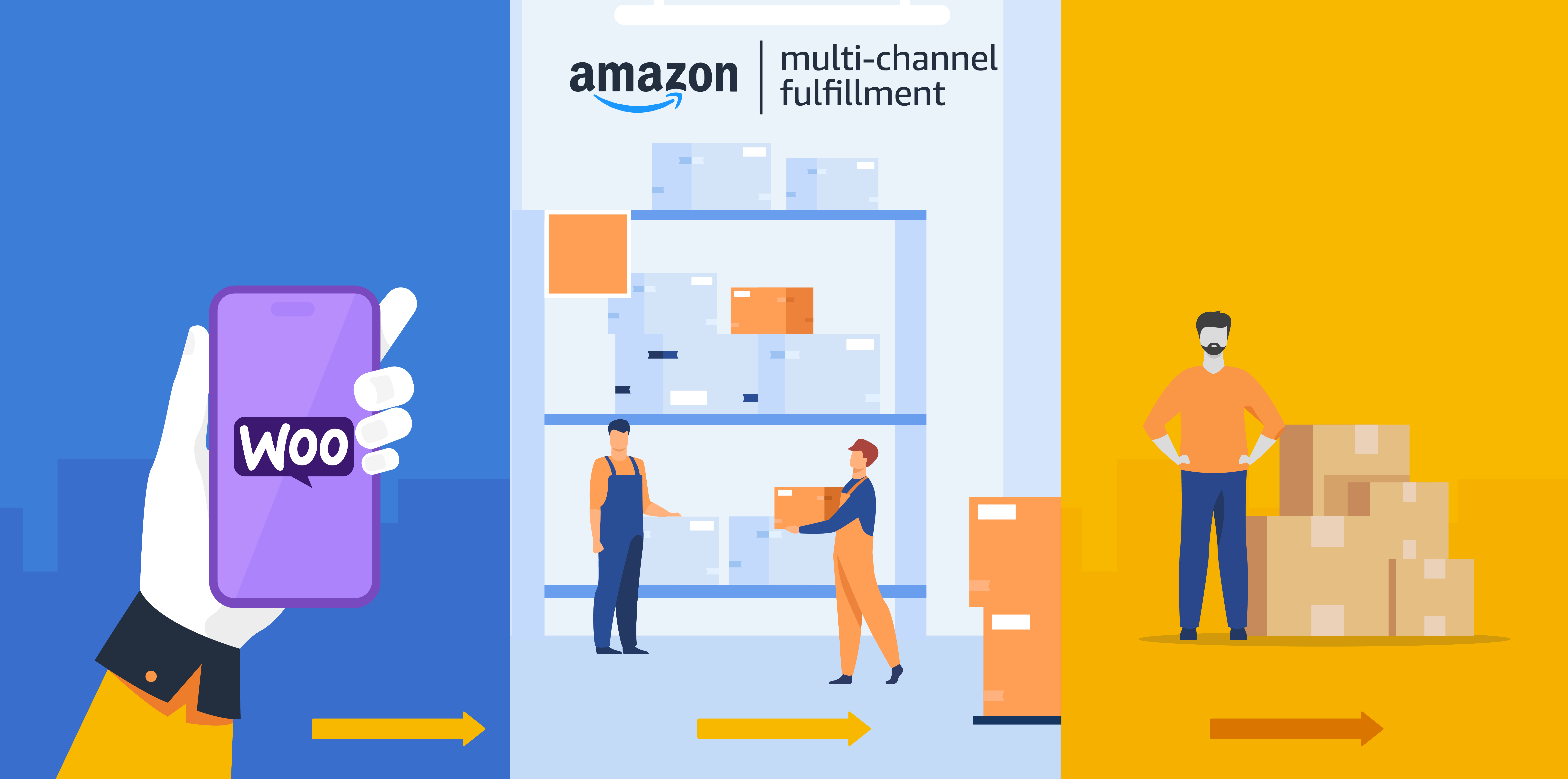
What is WooCommerce Amazon Fulfillment?
WooCommerce Amazon Fulfillment is a premium extension designed to integrate your WooCommerce store with Amazon’s Multi-Channel Fulfillment (MCF) service. This plugin automates the order fulfillment process, allowing sellers to leverage Amazon’s vast logistics network for picking, packing, shipping, and tracking orders. By connecting your online store to Amazon MCF, you can offload the complexities of inventory management and delivery, enabling faster and more reliable shipping options like Amazon Prime. It’s particularly significant for e-commerce businesses scaling up, as it reduces operational overhead and improves customer satisfaction through efficient order processing. With over 2,000 active installations and a latest version of 4.2.8, this plugin ensures seamless compatibility with WooCommerce 3.0 or higher. It supports global shipping, white-label packaging, and automatic stock synchronization, making it an essential tool for merchants aiming to expand without increasing in-house logistics costs. For more details, visit the official sales page at WooCommerce Amazon Fulfillment or check the documentation at WooCommerce Documentation.
Key Features of WooCommerce Amazon Fulfillment
- Automatic order shipping: This feature enables WooCommerce Amazon Fulfillment to send orders to Amazon MCF upon payment confirmation, where Amazon handles picking, packing, and shipping, reducing manual intervention and errors.
- Global region compatibility: Supports all Amazon regions worldwide, with automatic switching of Marketplace IDs for EU-based stores based on customer shipping addresses, ensuring efficient international fulfillment.
- Stock level synchronization: The plugin automatically syncs inventory levels between WooCommerce and Amazon, preventing overselling and maintaining accurate stock visibility in real-time.
- Mixed order handling: Seamlessly processes orders with both MCF and non-MCF products, allowing partial fulfillment through Amazon while managing the rest in-house.
- Advanced email notifications: Users receive updates for shipment creation, order shipping, tracking, and any failures, keeping both admins and customers informed throughout the process.
The latest version, 4.2.8, introduces enhanced integration with WooCommerce 9.3.0 and improved security checks, making it more reliable for modern e-commerce setups. It also includes options to configure fulfillment per product or for the entire store, offering flexibility for businesses of all sizes. This version optimizes performance for faster order processing and better compatibility with WordPress 6.5, ensuring a smooth user experience. For internal resources, learn more about related plugins on WPExclusive WooCommerce Plugins or explore WordPress Tutorials for setup tips.
How to Download WooCommerce Amazon Fulfillment for Free
1. Visit the Official Page:
- Go to the WooCommerce marketplace at WooCommerce Amazon Fulfillment and sign in to your account.
- Check for any promotional offers, such as the current discount with code WOOHOO10, to potentially reduce costs.
2. Add to Cart:
- Select your preferred billing plan (e.g., 1-year for $99 or 2-year for $158.40) and add it to your cart.
- Note that while the plugin isn’t free, new users might access trial features through Amazon’s MCF service.
3. Complete Purchase:
- Proceed to checkout and enter payment details. After purchase, you’ll receive download instructions via email.
- For a hassle-free setup, consider WPX Hosting from top-rated managed providers, which comes with pre-installed WordPress and WooCommerce for optimized performance.
Installing WooCommerce Amazon Fulfillment: Step-by-Step Guide
1. Preparation and Download:
- Ensure your site runs WooCommerce 3.0 or higher and back up your data. Download the plugin ZIP from your WooCommerce account.
- Log in to your WordPress dashboard and navigate to Plugins > Add New, then upload the ZIP file.
2. Activation and Configuration:
- Activate the plugin and go to WooCommerce > Settings > Amazon Fulfillment to enter your Amazon MWS credentials from official documentation.
- Set up fulfillment options, such as per-product settings or whole-store configuration, and connect to your Amazon region.
3. Testing and Verification:
- Test by creating a sample order and verify that it syncs with Amazon MCF. Check stock levels and email notifications.
- For video guidance, watch a tutorial on YouTube setup guide. Note: Back up your site before installing or updating plugins. Use WooCommerce Amazon Fulfillment’s built-in tools if prompted after an update.
WooCommerce Amazon Fulfillment Pricing
| Component | Price | Details |
|---|---|---|
| 1 Year Plan | $99 | Includes product updates, customer support, and a 30-day money-back guarantee; ideal for new users. |
| 2 Years Plan | $158.40 (Save 20%) | Extended support with updates and improvements; suited for established stores needing long-term reliability. |
| Subscription Benefits | Varies | Covers all Amazon regions and includes features like automatic syncing; renewals required for ongoing access. |
WooCommerce Amazon Fulfillment Alternatives
ShipStation:
- Pros: Offers multi-carrier shipping and easy integration with various platforms, providing real-time rates and labels.
- Cons: Can be more expensive for high-volume sellers and lacks Amazon-specific automation.
- Best For: Businesses needing versatile shipping options beyond Amazon.
EasyPost:
- Pros: Affordable rates with global carrier support and API for custom integrations.
- Cons: Requires more technical setup and doesn’t offer Amazon’s fulfillment network directly.
- Best For: Startups looking for cost-effective shipping solutions.
Shippo:
- Pros: User-friendly interface with discounted rates and tracking features.
- Cons: Less integrated with e-commerce platforms like WooCommerce compared to native extensions.
- Best For: Small to medium businesses focused on multi-channel shipping.
WooCommerce Amazon Fulfillment vs. Other Plugins
WooCommerce Amazon Fulfillment stands out compared to competitors like ShipStation or EasyPost due to its direct integration with Amazon’s network, offering superior automation and global reach. While alternatives provide broader carrier options, this plugin excels in streamlining MCF-specific processes.
- Cost Efficiency: More affordable for Amazon users with built-in features, versus higher fees in other plugins; check pricing at WooCommerce Marketplace.
- Integration Flexibility: Seamless WooCommerce syncing, unlike some plugins that require extensive custom coding; pair with Elementor Integration for enhanced site design.
- Compatibility: Works with all Amazon regions, providing better support than plugins limited to specific carriers; read more on WooCommerce Guide.
- Customer Support: Includes dedicated updates and guarantees, surpassing basic support in free alternatives; for details, visit Amazon Developer Resources.
This makes it ideal for merchants prioritizing Amazon’s logistics, though setup requires an Amazon Pro Seller account.
Tips for Using WooCommerce Amazon Fulfillment Effectively
- Ensure SKUs match exactly between WooCommerce and Amazon to avoid fulfillment errors and improve order accuracy.
- Regularly sync stock levels to prevent overselling and maintain real-time inventory visibility across platforms.
- Use the plugin’s email notifications to monitor orders and address any shipping failures promptly.
- Configure per-product fulfillment for mixed orders to optimize costs and efficiency in your store operations.
- Test the integration with sample orders before going live to verify seamless performance and customer tracking.
Pairing WooCommerce Amazon Fulfillment with Complementary Tool
Pairing WooCommerce Amazon Fulfillment with WooCommerce Payments enhances the e-commerce experience by automating not only fulfillment but also secure payment processing. This combination allows for end-to-end order management, where payments trigger instant MCF submissions, reducing delays and improving cash flow. Businesses benefit from streamlined operations, as seen in WooCommerce Payments Guide, making it easier to scale with reliable tools.
Should You Invest in Premium Extensions?
The free aspects of WooCommerce are sufficient for basic setups, but premium extensions like WooCommerce Amazon Fulfillment are worth considering if you need advanced fulfillment automation.
- Advanced functionality for global shipping and stock syncing.
- Enhanced features like email alerts and mixed order support.
- Integration with Amazon for seamless e-commerce operations.
- Customization options to tailor fulfillment to your business needs.
Visit the official site for updated pricing details at WooCommerce Amazon Fulfillment.
Frequently Asked Questions
How does WooCommerce Amazon Fulfillment integrate with my store?
It connects via Amazon MWS credentials, automating order sending after payment, as detailed in the documentation.
Is WooCommerce Amazon Fulfillment compatible with international shipping?
Yes, it supports all Amazon regions and automatically handles marketplace switching for EU orders.
What are the requirements to use this plugin?
You need WooCommerce 3.0+, an Amazon Pro Seller account, and active FBA service for full functionality.
Can I handle mixed orders with non-Amazon products?
Absolutely, the plugin supports partial fulfillment, shipping only eligible items through Amazon.
How does it ensure stock accuracy?
It automatically syncs inventory levels between WooCommerce and Amazon to prevent overselling.
Does it offer customer tracking features?
Yes, customers can view tracking info from their order page, with admins accessing full history in notes.
Conclusion
WooCommerce Amazon Fulfillment is an invaluable tool for e-commerce stores seeking to automate and optimize their shipping processes with Amazon’s powerful network. By integrating this extension, users can focus on growth while enjoying benefits like fast delivery, stock synchronization, and reliable customer support. Download and implement it today to elevate your WooCommerce experience, ensuring efficient operations and higher customer satisfaction.
Disclaimer: Always use official sources for downloads and verify current pricing and features, as they may change.