What is WP Toolset Views?
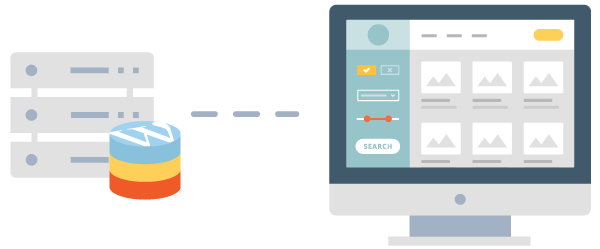
WP Toolset Views is a versatile WordPress plugin designed to empower users to create dynamic and visually appealing content displays without needing advanced coding skills. It serves as a core component of the Toolset suite, allowing website owners, developers, and non-programmers to load, filter, and style content from the WordPress database effortlessly. Originally part of Toolset’s ecosystem, it has evolved to enable the building of custom queries, lists, and grids that integrate seamlessly with any theme or page builder. This plugin is particularly significant for those managing content-heavy sites, such as blogs, e-commerce stores, or directories, as it automates the process of displaying related stories, product reviews, or event listings. With its user-friendly interface, WP Toolset Views bridges the gap between basic WordPress functionality and complex customizations, making it ideal for enhancing user engagement and site performance. According to the official sales page, it supports real-time updates and intuitive filtering, ensuring that your content remains relevant and accessible. This tool is essential in modern WordPress development for its ability to handle large datasets efficiently, reducing the need for custom PHP code and promoting faster site builds.
Key Features of WP Toolset Views
- Content Loading: Easily select and load any type of content from the WordPress database, including posts, custom post types, or taxonomy terms, with simple query building tools.
- Advanced Filtering: Apply intuitive filters to display specific items, such as related products or filtered searches, enhancing user navigation and personalization.
- Styling Options: Use predefined styles and HTML templates to format outputs like grids, tables, or lists, allowing full customization for a tailored front-end appearance.
- Compatibility: Works seamlessly with any WordPress theme or page builder, including Elementor or Beaver Builder, for flexible integration into existing sites.
- Dynamic Displays: Automatically update content on the front-end, such as homepages or sidebars, without manual intervention, as demonstrated by real-world examples like custom WooCommerce listings.
The latest version of WP Toolset Views, integrated into Toolset’s updated framework, introduces enhanced block-based editing and improved query performance, making it easier for users to build visually rich sites with minimal effort.
How to Download WP Toolset Views for Free
1. Visit the Official Site:
- Go to the Toolset website at https://toolset.com/home/views-create-elegant-displays-for-your-content/ and navigate to the downloads section.
- Create a free account if you don’t have one, as it provides access to trial versions and documentation.
2. Select the Download Option:
- Choose the free version of WP Toolset Views from the available options, ensuring it matches your WordPress setup.
- Click the download button to get the ZIP file directly to your device.
3. Verify and Prepare:
- Check for any system requirements on the site to ensure compatibility with your WordPress version.
- For a hassle-free setup, consider WPX Hosting from top-rated reliable providers, which includes pre-installed WordPress optimized for plugins like WP Toolset Views.
Installing WP Toolset Views: Step-by-Step Guide
1. Upload the Plugin:
- Log into your WordPress dashboard and go to Plugins > Add New, then click Upload Plugin and select the downloaded ZIP file.
- Activate the plugin after upload to begin setup, ensuring no conflicts with existing plugins.
2. Configure Settings:
- Navigate to Toolset > Views in your dashboard to set up your first view, selecting content types and filters as needed.
- Internal link: Learn more about plugin configurations at https://wordpress-1613757-6351696.cloudwaysapps.com/best-wordpress-plugins/.
3. Test the Installation:
- Create a test page to verify that views are displaying correctly, adjusting as necessary.
- External link: Refer to WordPress.org documentation at https://wordpress.org/support/article/managing-plugins/ for best practices.
Note: Back up your site before installing or updating plugins. Use WP Toolset Views’ built-in tools if prompted after an update.
WP Toolset Views Pricing
| Component | Price | Details |
|---|---|---|
| Free Version | Free | Includes basic features for content loading and simple displays; ideal for beginners. |
| Premium Bundle | Starts at $99/year | Offers advanced querying, filtering, and integrations; includes 30-day money-back guarantee as per the official site. |
| Full Toolset Suite | From $249/year | Combines Views with other tools for complete site building; best for professional developers. Internal link: Compare pricing at https://wordpress-1613757-6351696.cloudwaysapps.com/wordpress-pricing-guide/. |
WP Toolset Views Alternatives
Elementor Pro:
- Pros: Drag-and-drop interface for visual building, extensive widgets, and seamless integration with WordPress.
- Cons: Can be resource-intensive on shared hosting. External link: Check reviews at https://www.g2.com/products/elementor/reviews/.
- Best For: Users focused on page design over custom queries.
Advanced Custom Fields (ACF):
- Pros: Excellent for custom fields and metadata, easy to extend with add-ons.
- Cons: Lacks built-in display options compared to WP Toolset Views.
- Best For: Developers needing field management without full content views.
Beaver Builder:
- Pros: Lightweight and fast, with responsive design tools. External link: Read more at https://beaverbuilder.com/.
- Cons: Less emphasis on database querying.
- Best For: Small businesses seeking quick page building. Internal link: See comparisons at https://wordpress-1613757-6351696.cloudwaysapps.com/page-builders-comparison/.
WP Toolset Views vs. Other Plugins
WP Toolset Views stands out compared to competitors like Elementor or ACF by offering specialized tools for database queries and content filtering, making it more suitable for dynamic sites. While others focus on design, WP Toolset Views prioritizes functionality.
- Cost Efficiency: More affordable for advanced features, with a free tier that outpaces basic alternatives.
- Flexibility in Integration: Excels in compatibility with various themes and builders, as highlighted in user examples.
- Ease of Use: Intuitive for non-coders, reducing the learning curve. External link: For insights, visit https://kinsta.com/blog/wordpress-plugins/.
- Support and Updates: Provides robust community support and regular enhancements.
Ideal for users with content-driven needs, though it requires some setup for optimal results.
Tips for Using WP Toolset Views Effectively
- Use filtering options to create targeted content displays, improving site SEO and user experience.
- Combine with WooCommerce for dynamic product listings to boost e-commerce functionality.
- Regularly test views on different devices for responsive design.
- Internal link: Explore advanced tips at https://wordpress-1613757-6351696.cloudwaysapps.com/wordpress-seo-tips/.
- Backup views before updates to avoid data loss.
Pairing WP Toolset Views with Elementor
Pairing WP Toolset Views with Elementor enhances site building by combining dynamic content querying with visual design tools. This integration allows users to pull custom data into Elementor pages, creating interactive elements like filtered grids or real-time searches, which improves engagement and streamlines workflows for developers.
Should You Invest in Premium Extensions for WP Toolset Views?
The free version of WP Toolset Views is sufficient for basic content displays, but premium extensions are worth considering if you need advanced querying, integrations, or enhanced performance for larger sites.
- Advanced functionality for complex filters and custom outputs.
- Enhanced features like WooCommerce compatibility.
- Seamless integration with other plugins.
- Greater customization options for professional projects.
Visit the official site for pricing details and to decide based on your needs.
Frequently Asked Questions
Is WP Toolset Views easy for beginners?
Yes, it offers an intuitive interface for non-programmers to build queries without code, making it accessible for beginners while providing depth for advanced users.
How does WP Toolset Views improve SEO?
It enables dynamic content displays that enhance user experience, which search engines favor, and allows for optimized filtering to target specific keywords effectively.
Can I use WP Toolset Views with any theme?
Absolutely, it’s designed to be compatible with all WordPress themes and page builders, ensuring flexible integration without conflicts.
What are the system requirements?
It requires the latest WordPress version and PHP 7.0 or higher; check the official documentation for detailed specs to ensure optimal performance.
Does it work with WooCommerce?
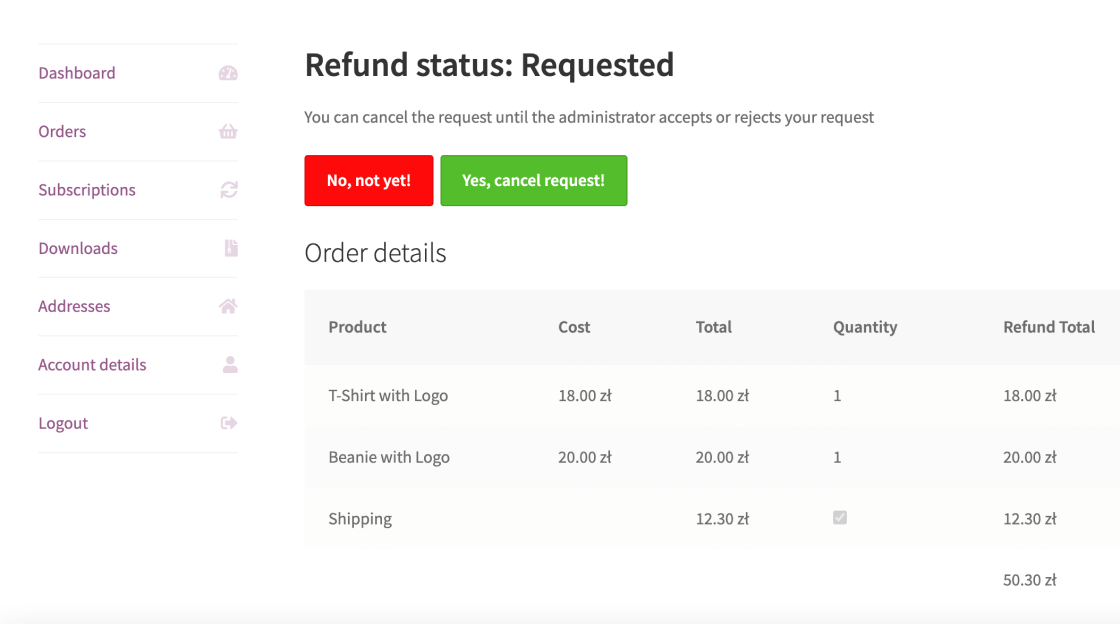
Yes, it integrates seamlessly with WooCommerce for custom product listings and filters, as shown in various user examples.
Is there a free trial available?
Toolset offers a 30-day money-back guarantee, allowing you to test WP Toolset Views risk-free and evaluate its fit for your site.
Conclusion
WP Toolset Views is an invaluable tool for WordPress users seeking to create dynamic, user-friendly content displays without extensive coding. Its robust features, ease of use, and compatibility make it a top choice for enhancing site functionality and SEO. Download and integrate it today to elevate your WordPress experience, and explore more options on our site for seamless implementation.
Disclaimer: Always use official sources for downloads and verify the latest pricing and features, as they may change.